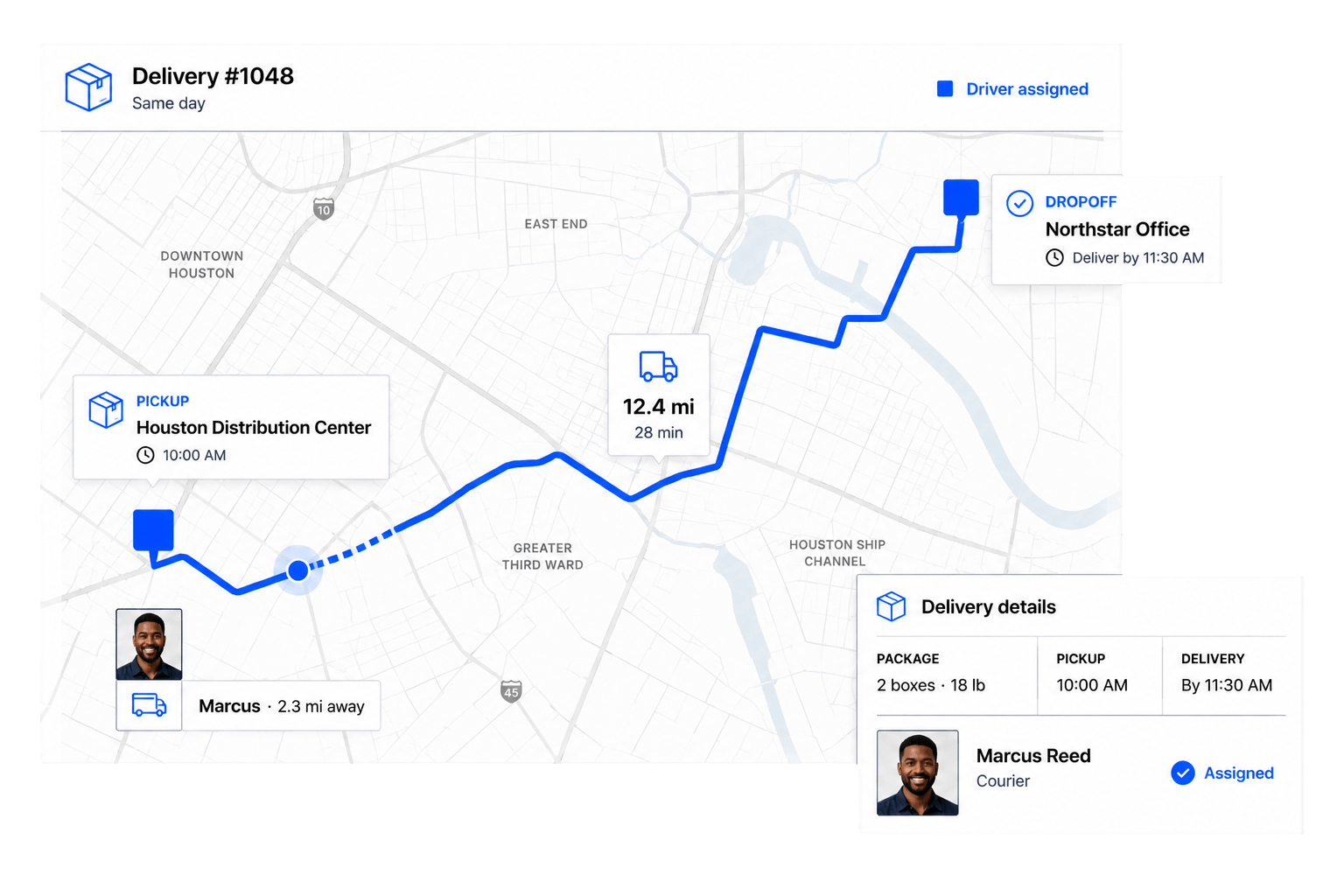
Build efficient routes
 Build efficient routes
Organize stops and delivery details before dispatch.
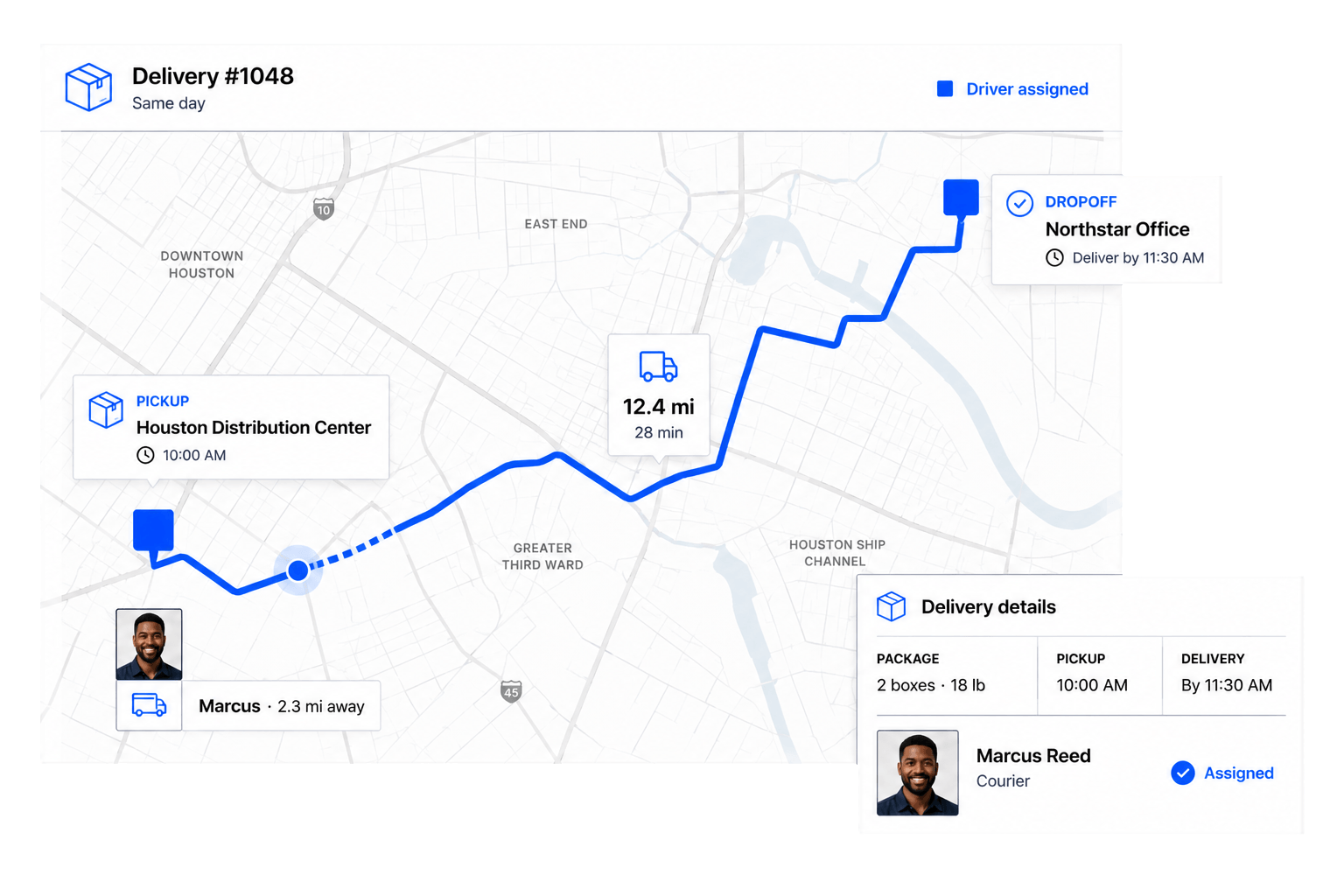
Coordinate drivers, deliveries, routes, and payouts in one system.
Delivery Operations
Give dispatchers and drivers one connected view of routes, status, and payment.
Organize stops and delivery details before dispatch.
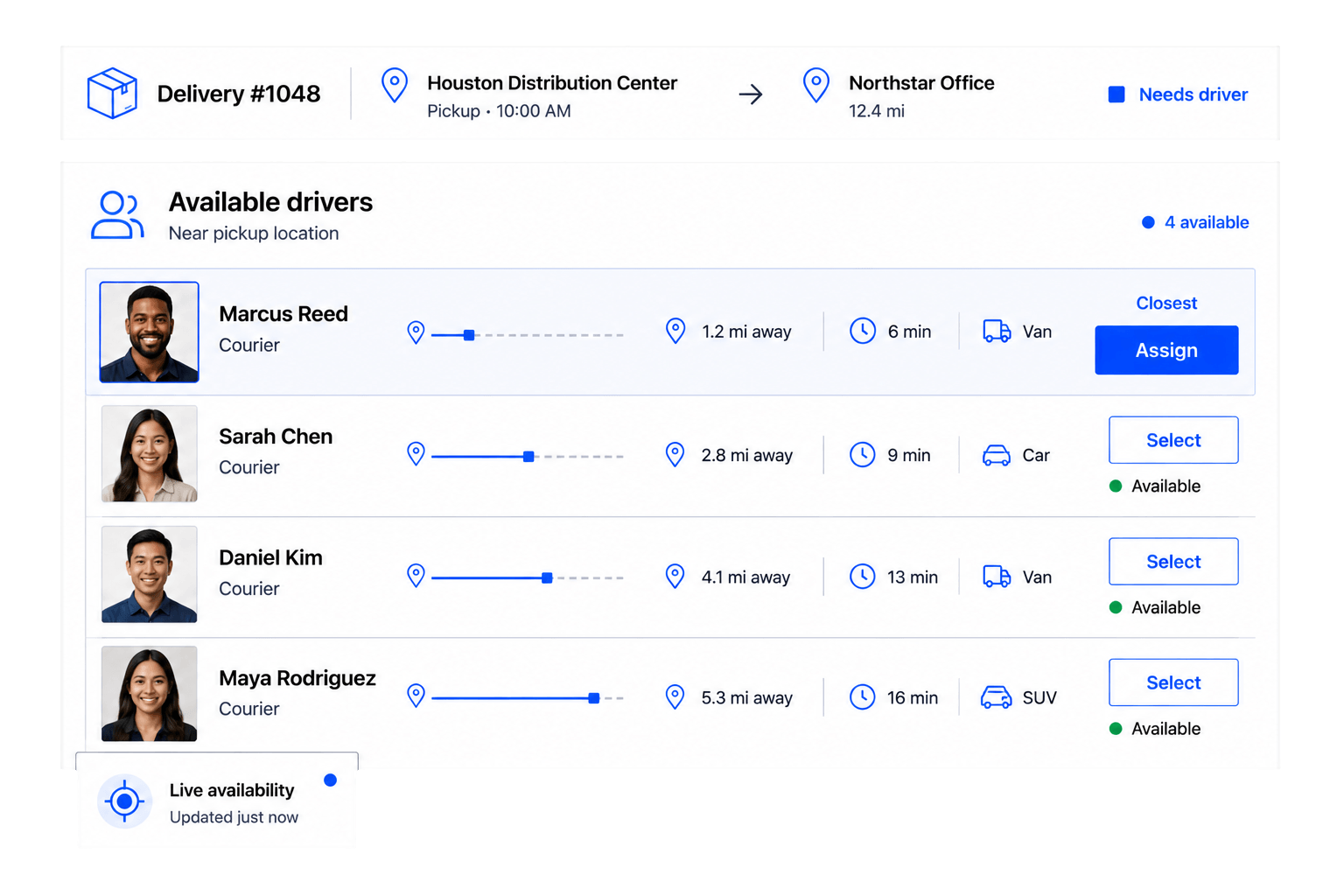
Match each delivery with an available driver.
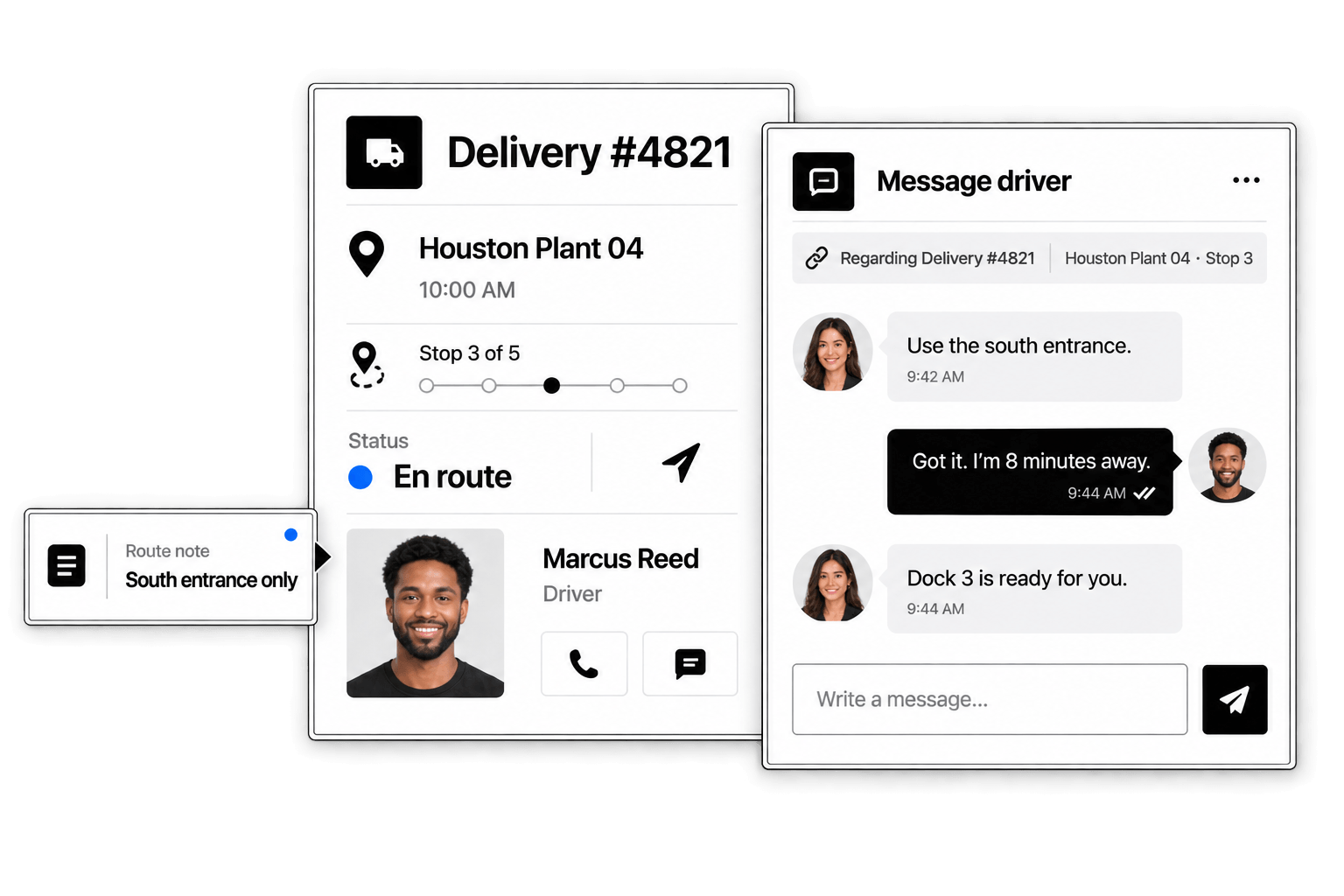
Share delivery updates in the context of the work.
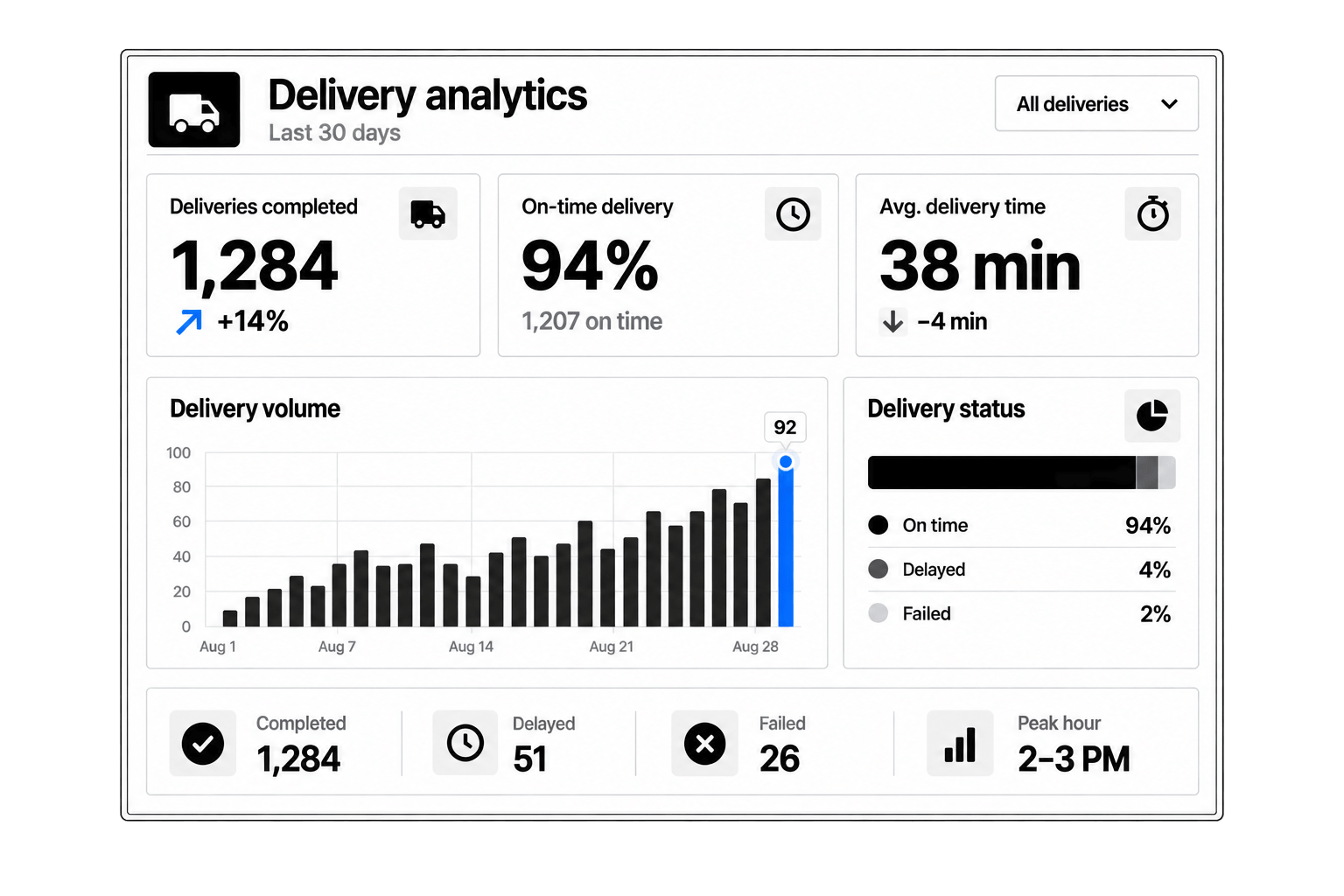
See completion, exceptions, and delivery performance.
Yes. You can onboard contract drivers, internal drivers, fleet partners, and delivery teams with profiles, documents, vehicle details, availability, location, and approval status.
Yes. Drivers can use a mobile app to view assigned trips, update pickup status, confirm completion, manage availability, and submit delivery updates.
Yes. Drivers can add vehicle type, license plate, documents, capacity, service area, and other details needed for delivery assignments.
Yes. Drivers can update their availability so managers can see who is ready for upcoming or on-demand delivery work.
Yes. Employees or customers can submit delivery requests with pickup details, drop-off details, timing, package information, priority, and special instructions.
Yes. Delivery requests can be matched to available drivers based on location, availability, vehicle type, service area, driver performance, or manager review.
Yes. Drivers can update pickup progress, delivery status, route notes, proof of delivery, and completion details from the field.
Yes. Route miles, completed trips, pricing rules, driver payouts, payroll records, and billing details can stay connected to each delivery.
Yes. Managers can review drivers after trips and track quality across communication, route, safety, professionalism, and delivery completion.
Yes. You can review completed trips, driver activity, route performance, cost details, billing status, and monthly delivery operation insights.
 Assign the right driver
 Keep drivers informed
 Measure delivery results